
1 / 3
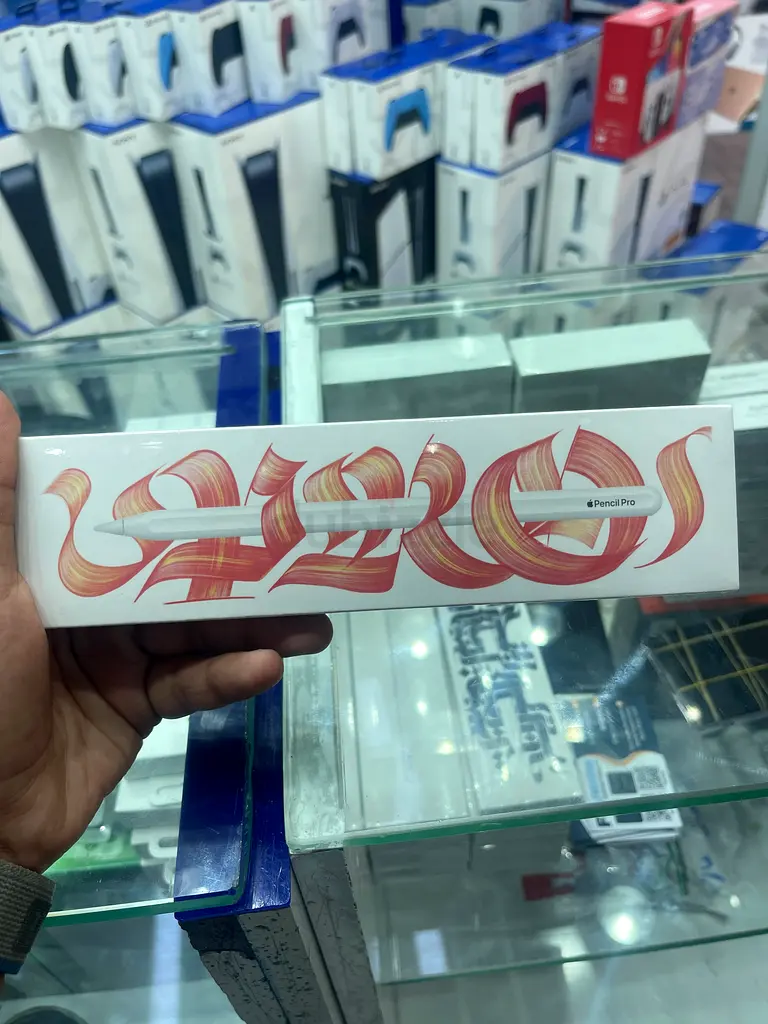
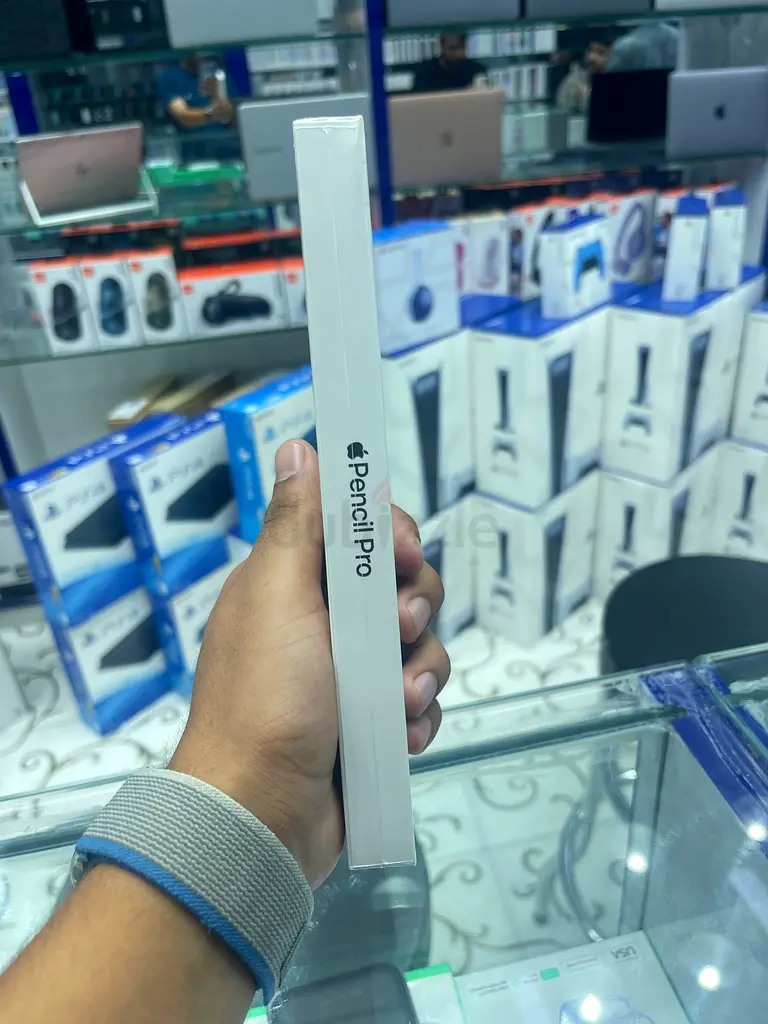
Apple Pencil Pro
AED 400

Item Details
Warranty
Yes
Condition
New
Posted on: 4th May 2026
Description
The Apple Pencil Pro introduces new features like squeeze, which brings up a tool palette, and barrel roll, which rotates the pen tool. It also includes haptic feedback for a more tactile experience, a gyroscope for precise rotations, and the hover feature to preview marks before you make them. Like the previous model, it attaches, pairs, and charges magnetically to compatible iPads, and supports double-tap to switch tools.
New gestures and feedback
Squeeze: A squeeze gesture brings up a palette to quickly change tools, line weights, and colors.
Barrel roll: A new gyroscope allows you to rotate the pencil, which can be used to control the rotation of pen and brush tools.
Haptic feedback: Provides tactile feedback for actions like squeezing, making the experience more intuitive.
Double tap: Allows you to quickly switch between tools.
Enhanced precision and control
Hover: Preview where the pencil will make a mark on the screen before you touch it, allowing for greater precision in drawing and writing.
Tilt and pressure sensitivity: Like the previous generation, the Pencil Pro maintains tilt and pressure sensitivity for natural-feeling lines.
Low latency: Ensures a smooth and responsive drawing experience with minimal lag.
Connectivity and management
Magnetic attachment, pairing, and charging: The Apple Pencil Pro magnetically attaches to compatible iPads for easy storage and wireless charging and pairing.
Find My support: You can use the Find My app to locate the pencil if it becomes misplaced.
New gestures and feedback
Squeeze: A squeeze gesture brings up a palette to quickly change tools, line weights, and colors.
Barrel roll: A new gyroscope allows you to rotate the pencil, which can be used to control the rotation of pen and brush tools.
Haptic feedback: Provides tactile feedback for actions like squeezing, making the experience more intuitive.
Double tap: Allows you to quickly switch between tools.
Enhanced precision and control
Hover: Preview where the pencil will make a mark on the screen before you touch it, allowing for greater precision in drawing and writing.
Tilt and pressure sensitivity: Like the previous generation, the Pencil Pro maintains tilt and pressure sensitivity for natural-feeling lines.
Low latency: Ensures a smooth and responsive drawing experience with minimal lag.
Connectivity and management
Magnetic attachment, pairing, and charging: The Apple Pencil Pro magnetically attaches to compatible iPads for easy storage and wireless charging and pairing.
Find My support: You can use the Find My app to locate the pencil if it becomes misplaced.
Location
Naif, Deira, Dubai, UAE

- Accounting / Finance
- Automobile
- Beauty / Salon
- Cleaner / Housekeeper
- Construction
- Cook / Chef
- Customer Service / Call Centre
- Data Management & Analysis
- Design
- Driver / Delivery
- Education
- Engineering
- Event Management & Operations
- Handyman / Technician
- HR / Admin
- Information Technology
- Legal Services
- Logistics & Distribution
- Manufacturing / Warehouse
- Marine Captain / Crew
- Marketing / Advertising
- Media, Art & Entertainment
- Medical / Healthcare
- Real Estate
- Restaurant Operations
- Sales / Business Development
- Secretarial / Front Office
- Security / Guard
- Sports & Fitness
- Travel & Hospitality
- Others
- Jobs Wanted
- Electronics
- Computers & Networking
- Business & Industrial
- Home Appliances
- Sports Equipment
- Clothing & Accessories
- Cameras & Imaging
- Jewelry & Watches
- Pets
- Musical Instruments
- Gaming
- Baby Items
- Toys
- Tickets & Vouchers
- Collectibles
- Books
- Music
- Free Stuff
- Lost/Found
- DVDs & Movies
- Furniture, Home & Garden
- Mobile Phones & Tablets
العربية