
1 / 1
Infy POS : Manage Your Store inventory Digitally
AED 400

Item Details
Age
Brand New
Condition
Perfect inside and out
Warranty
Does not apply
Model name
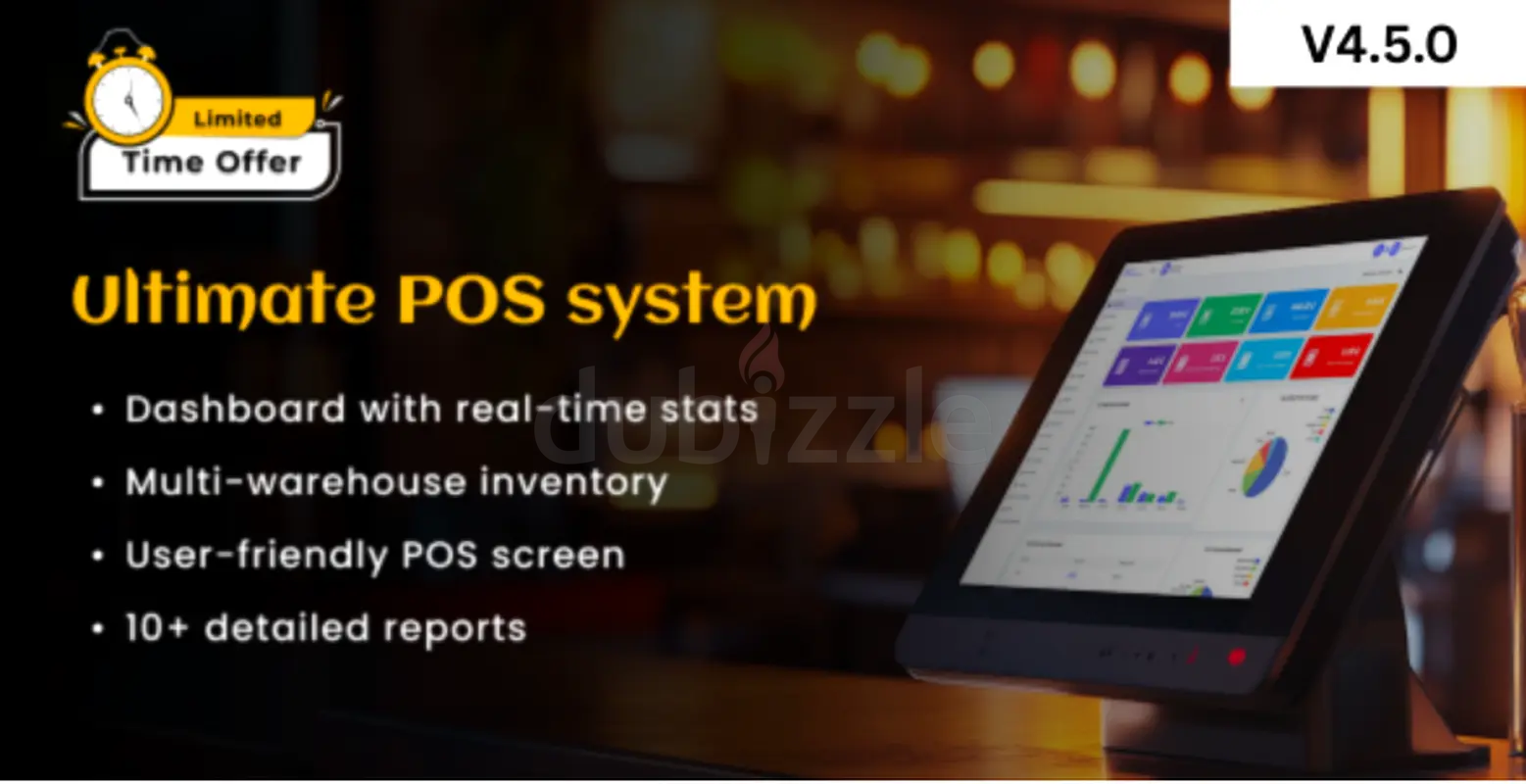
Here are some Key Features and Concepts that InfyPOS provides. Admin Panel Easy POS Attractive and very user-friendly POS screen by using you create do orders. You can see lists of available products there and filters by categories and brand. we are showing the available quantities there so its will remind user that they may have to purchase new quantities. we also have added support for Barcode Scanner, when you scan any product code that is in POS system it will be auto added as order item. Dashboard It has very beautiful dashboard view. which comes up with very informative data. You can track sales / purchases and returns count from here. There is different kind of graph view are available too. its showing following charts and data. This week Sales & Purchase Top Selling Products – Year Wise Top Selling Products of current month Top 5 Customers Recent sales listing Stock Alert Users Management It has the users’ management, where you can create separate super admin users. that users will be able to access the POS system with same rights as super admin as we are creating them as super admin users. Customers You can manage the customers by using this menu. you can create new customers and delete them or update the existing customers too. Customers will be used into POS screen, where we can select them to which items they are purchasing. Warehouse Warehouse will be used to manage the stocks of products. Same product may available in different warehouse, so of course one product will have 10 stock in warehouse A, and 5 stock in warehouse B. So in POS screen when you choose the warehouse it will return related available quantities. Products You can manage your lists of products from this menu, you can create / edit or delete existing products via this interface. While creating products you can specify the product price, its unit & the stock alerts that will help you to re-fill the products’ quantity when stock is not available. you can also choose the barcode symbology to generate the barcode which you can later scan it into POS screen. Print Barcode Sometimes its needed to have barcode on papers to scan it. that time you can use this feature. By using this feature you can print same barcode with multiple times on paper. you have to select the warehouse then you have to choose the product and the number of quantities that you want to print on paper. You can also preview the print and choose different types of paper sizes here.
Usage
Still in original packaging
Posted on: 30th March 2026
Description
Here are some Key Features and Concepts that InfyPOS provides.
Admin Panel
Easy POS
Attractive and very user-friendly POS screen by using you create do orders.
You can see lists of available products there and filters by categories and brand. we are showing the available quantities there so its will remind user that they may have to purchase new quantities.
we also have added support for Barcode Scanner, when you scan any product code that is in POS system it will be auto added as order item.
Dashboard
It has very beautiful dashboard view. which comes up with very informative data.
You can track sales / purchases and returns count from here. There is different kind of graph view are available too. its showing following charts and data.
This week Sales & Purchase
Top Selling Products – Year Wise
Top Selling Products of current month
Top 5 Customers
Recent sales listing
Stock Alert
Users Management
It has the users’ management, where you can create separate super admin users. that users will be able to access the POS system with same rights as super admin as we are creating them as super admin users.
Customers
You can manage the customers by using this menu. you can create new customers and delete them or update the existing customers too.
Customers will be used into POS screen, where we can select them to which items they are purchasing.
Warehouse
Warehouse will be used to manage the stocks of products.
Same product may available in different warehouse, so of course one product will have 10 stock in warehouse A, and 5 stock in warehouse B.
So in POS screen when you choose the warehouse it will return related available quantities.
Products
You can manage your lists of products from this menu, you can create / edit or delete existing products via this interface.
While creating products you can specify the product price, its unit & the stock alerts that will help you to re-fill the products’ quantity when stock is not available. you can also choose the barcode symbology to generate the barcode which you can later scan it into POS screen.
Print Barcode
Sometimes its needed to have barcode on papers to scan it. that time you can use this feature.
By using this feature you can print same barcode with multiple times on paper. you have to select the warehouse then you have to choose the product and the number of quantities that you want to print on paper.
You can also preview the print and choose different types of paper sizes here.
Admin Panel
Easy POS
Attractive and very user-friendly POS screen by using you create do orders.
You can see lists of available products there and filters by categories and brand. we are showing the available quantities there so its will remind user that they may have to purchase new quantities.
we also have added support for Barcode Scanner, when you scan any product code that is in POS system it will be auto added as order item.
Dashboard
It has very beautiful dashboard view. which comes up with very informative data.
You can track sales / purchases and returns count from here. There is different kind of graph view are available too. its showing following charts and data.
This week Sales & Purchase
Top Selling Products – Year Wise
Top Selling Products of current month
Top 5 Customers
Recent sales listing
Stock Alert
Users Management
It has the users’ management, where you can create separate super admin users. that users will be able to access the POS system with same rights as super admin as we are creating them as super admin users.
Customers
You can manage the customers by using this menu. you can create new customers and delete them or update the existing customers too.
Customers will be used into POS screen, where we can select them to which items they are purchasing.
Warehouse
Warehouse will be used to manage the stocks of products.
Same product may available in different warehouse, so of course one product will have 10 stock in warehouse A, and 5 stock in warehouse B.
So in POS screen when you choose the warehouse it will return related available quantities.
Products
You can manage your lists of products from this menu, you can create / edit or delete existing products via this interface.
While creating products you can specify the product price, its unit & the stock alerts that will help you to re-fill the products’ quantity when stock is not available. you can also choose the barcode symbology to generate the barcode which you can later scan it into POS screen.
Print Barcode
Sometimes its needed to have barcode on papers to scan it. that time you can use this feature.
By using this feature you can print same barcode with multiple times on paper. you have to select the warehouse then you have to choose the product and the number of quantities that you want to print on paper.
You can also preview the print and choose different types of paper sizes here.
Location
Morocco Cluster, International City, Dubai, UAE

- Accounting / Finance
- Automobile
- Beauty / Salon
- Cleaner / Housekeeper
- Construction
- Cook / Chef
- Customer Service / Call Centre
- Data Management & Analysis
- Design
- Driver / Delivery
- Education
- Engineering
- Event Management & Operations
- Handyman / Technician
- HR / Admin
- Information Technology
- Legal Services
- Logistics & Distribution
- Manufacturing / Warehouse
- Marine Captain / Crew
- Marketing / Advertising
- Media, Art & Entertainment
- Medical / Healthcare
- Real Estate
- Restaurant Operations
- Sales / Business Development
- Secretarial / Front Office
- Security / Guard
- Sports & Fitness
- Travel & Hospitality
- Others
- Jobs Wanted
- Electronics
- Computers & Networking
- Business & Industrial
- Home Appliances
- Sports Equipment
- Clothing & Accessories
- Cameras & Imaging
- Jewelry & Watches
- Pets
- Musical Instruments
- Gaming
- Baby Items
- Toys
- Tickets & Vouchers
- Collectibles
- Books
- Music
- Free Stuff
- Lost/Found
- DVDs & Movies
- Furniture, Home & Garden
- Mobile Phones & Tablets
العربية