
1 / 10
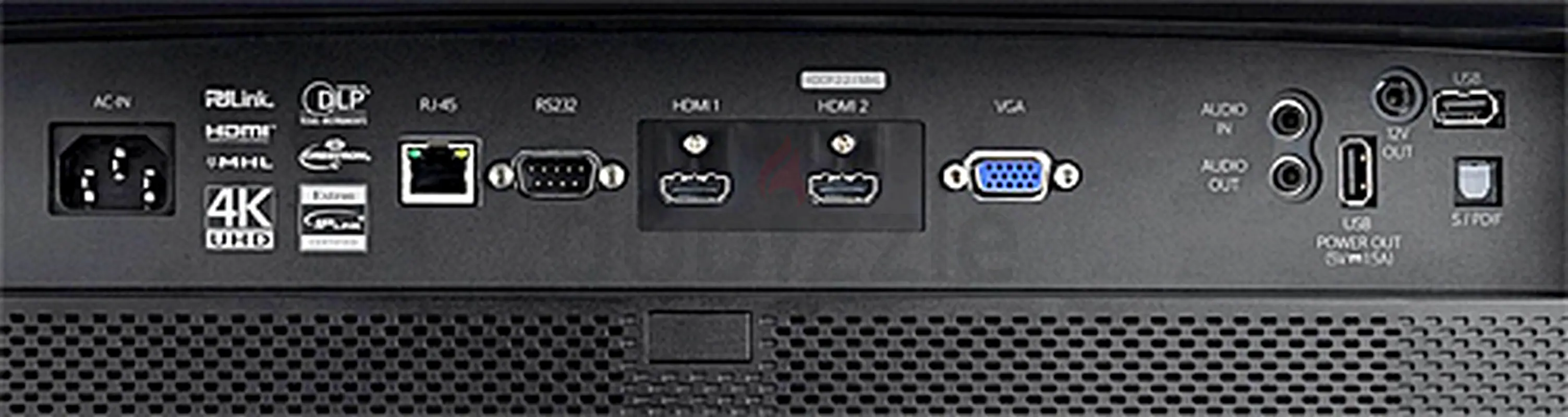
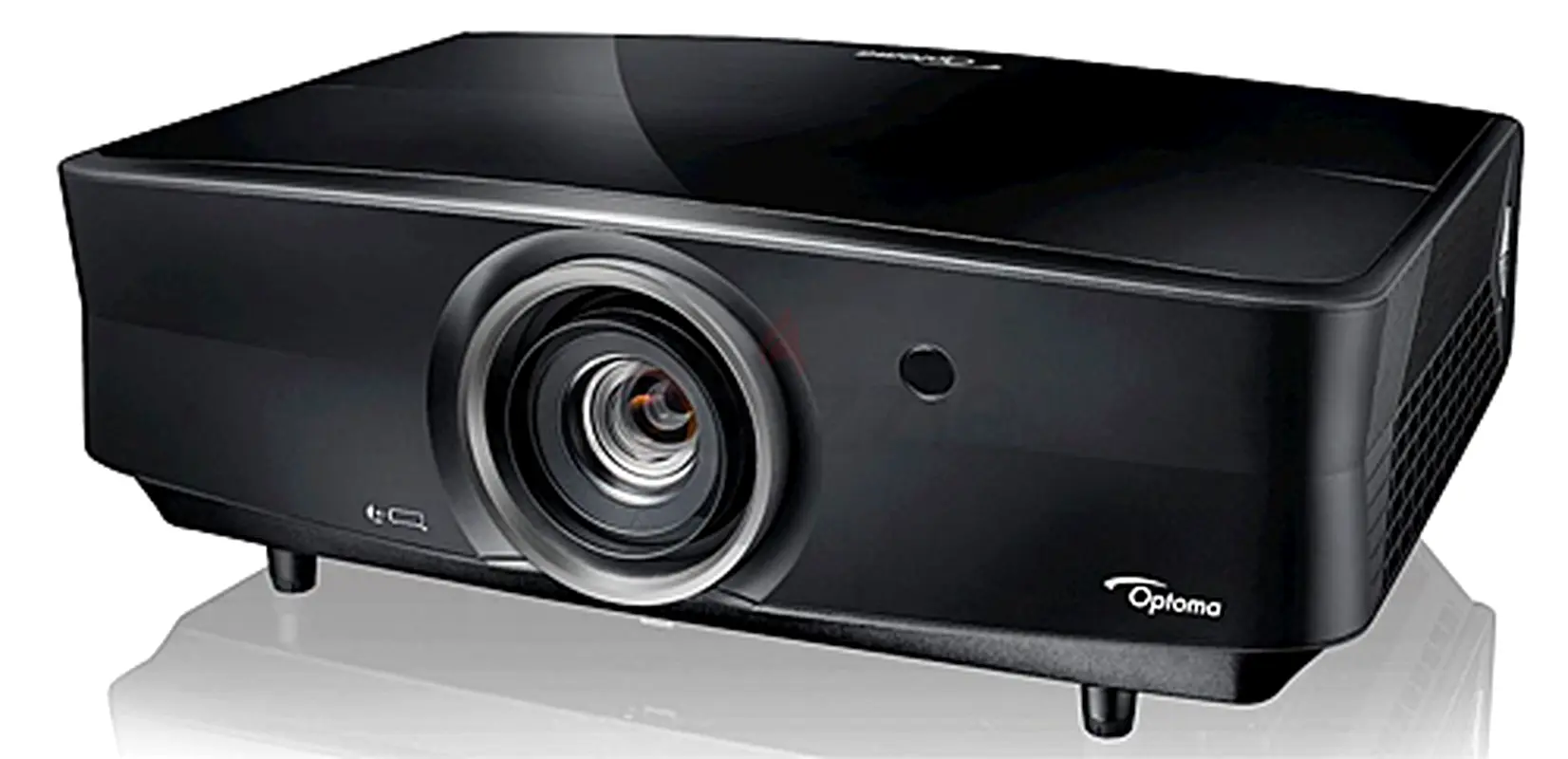
OPTOMA UHZ 65 Theater Projector 4K Top Quality
درهم 7,000

تفاصيل السلعة
العلامة تجارية
اّخر
العمر
6 - 12 شهر
ضمان
لا ينطبق
الحالة
بدون مشاكل أو عيوب ملحوظة
مدى الإستخدام
تم الاستخدام مرات قليلة
تم النشر بتاريخ: 31 مارس 2026
الوصف
Optoma UHZ65 Picture Quality
The UHZ65's image quality for film and video is every bit as impressive as you would expect from the price. Along with fine detail, it delivers rich, natural-looking color and both a high enough contrast ratio and the subtle shading needed to add a convincing sense of three dimensionality. Surprisingly, given the visibly high contrast, a solid black image has a noticeable glow in a dark room. However, the black areas don't get any brighter if you add bright elements to the image, which is the more important factor for contrast.
There is also no visible change in black level when you change brightness by adjusting the power level, which has settings from 50% to 100% in 5% increments. So the higher the power level, the better the contrast will be. If you use the UHZ65 with a small screen in a dark room, you may have to settle for somewhat lower contrast, since the higher power levels may be too bright. However, this won't be an issue for the screen sizes you need in order to see all the detail available at 3820x2160 resolution, particularly in a room with ambient light.
Projector Central
Color accuracy with default settings for the Cinema color preset is good enough to use straight out of the box. There's a slight blue bias compared with a calibrated projector, but it is easy to adjust to neutral color. And unlike most color presets for DLP projectors, Cinema mode is designed to offer accurate colors with Brilliant Color at 10--the highest setting--for maximum white brightness. Most of the same comments apply to Reference mode, except that its default setting for Brilliant Color is 1, which translates to being off. Reference mode also has lower contrast than Cinema mode.
Bright mode has an obvious magenta shift with default settings, but color accuracy improves significantly if you drop Brilliant Color to 1 from the default of 10. Game mode maintains color accuracy fairly well and delivers good contrast, but it loses subtle gradations the eye uses as cues to three dimensionality. The loss in depth won't matter for games and animations, and the high contrast will be a plus.
There's also an HDR Sim mode that's meant to add an HDR look to SDR content by enhancing gamma, contrast, and color saturation. The enhancement goes a little too far, however, leading to oversaturated color. The actual HDR mode is available for HDR input only, and does a far better job.
The UHZ65's image quality for film and video is every bit as impressive as you would expect from the price. Along with fine detail, it delivers rich, natural-looking color and both a high enough contrast ratio and the subtle shading needed to add a convincing sense of three dimensionality. Surprisingly, given the visibly high contrast, a solid black image has a noticeable glow in a dark room. However, the black areas don't get any brighter if you add bright elements to the image, which is the more important factor for contrast.
There is also no visible change in black level when you change brightness by adjusting the power level, which has settings from 50% to 100% in 5% increments. So the higher the power level, the better the contrast will be. If you use the UHZ65 with a small screen in a dark room, you may have to settle for somewhat lower contrast, since the higher power levels may be too bright. However, this won't be an issue for the screen sizes you need in order to see all the detail available at 3820x2160 resolution, particularly in a room with ambient light.
Projector Central
Color accuracy with default settings for the Cinema color preset is good enough to use straight out of the box. There's a slight blue bias compared with a calibrated projector, but it is easy to adjust to neutral color. And unlike most color presets for DLP projectors, Cinema mode is designed to offer accurate colors with Brilliant Color at 10--the highest setting--for maximum white brightness. Most of the same comments apply to Reference mode, except that its default setting for Brilliant Color is 1, which translates to being off. Reference mode also has lower contrast than Cinema mode.
Bright mode has an obvious magenta shift with default settings, but color accuracy improves significantly if you drop Brilliant Color to 1 from the default of 10. Game mode maintains color accuracy fairly well and delivers good contrast, but it loses subtle gradations the eye uses as cues to three dimensionality. The loss in depth won't matter for games and animations, and the high contrast will be a plus.
There's also an HDR Sim mode that's meant to add an HDR look to SDR content by enhancing gamma, contrast, and color saturation. The enhancement goes a little too far, however, leading to oversaturated color. The actual HDR mode is available for HDR input only, and does a far better job.
منطقة
مدينة الحبتور, الخليج التجاري, دبي, الإمارات

- المحاسبة / المالية
- السيارات
- الصحة والجمال
- التنظيف /التدبير المنزلي
- الإنشاءات
- شيف / طباخ
- خدمة العملاء / مركز الإتصال
- إدارة وتحليل البيانات
- التصميم
- سائق / توصيل
- تعليم
- هندسة
- إدارة الفعاليات والمناسبات
- عامل / فنّي
- الموارد البشرية - الإدارة
- تكنولوجيا المعلومات
- خدمات قانونية
- خدمات لوجستية و توزيع
- التصنيع / التخزين
- كابتن بحري / بحار
- التسويق/الإعلان
- الاعلام,الفنون والترفيه
- الطب / الرعاية الصحية
- عقارات
- تشغيل المطاعم
- المبيعات / تطوير الأعمال
- السكرتارية / المكتب الأمامي
- الأمن /الحماية
- رياضة و لياقة
- السفروالضيافة
- أخرى
- يبحث عن عمل
English